One-click export
Open any Kindle book, click the extension icon, and download your PDF or PDF + text bundle. No extension account or paid plan.
Export a current page, a range, or a whole book from Kindle Cloud Reader. Keep a visual PDF plus optional UTF-8 text for notes, research, and your own AI workflows. Free, with no extension account. OCR is currently optimized for English.
Small, seemingly insignificant steps completed consistently over time will create a radical difference. Every action, every habit, and every choice compounds on itself.
The secret is that there is no secret. You've heard it a thousand times but this time, truly let it sink in: consistency is everything.
Darren Hardy · The Compound Effect
Small, seemingly insignificant steps completed consistently over time will create a radical difference. Every action, every habit, and every choice compounds on itself.
The secret is that there is no secret. You've heard it a thousand times but this time, truly let it sink in: consistency is everything.
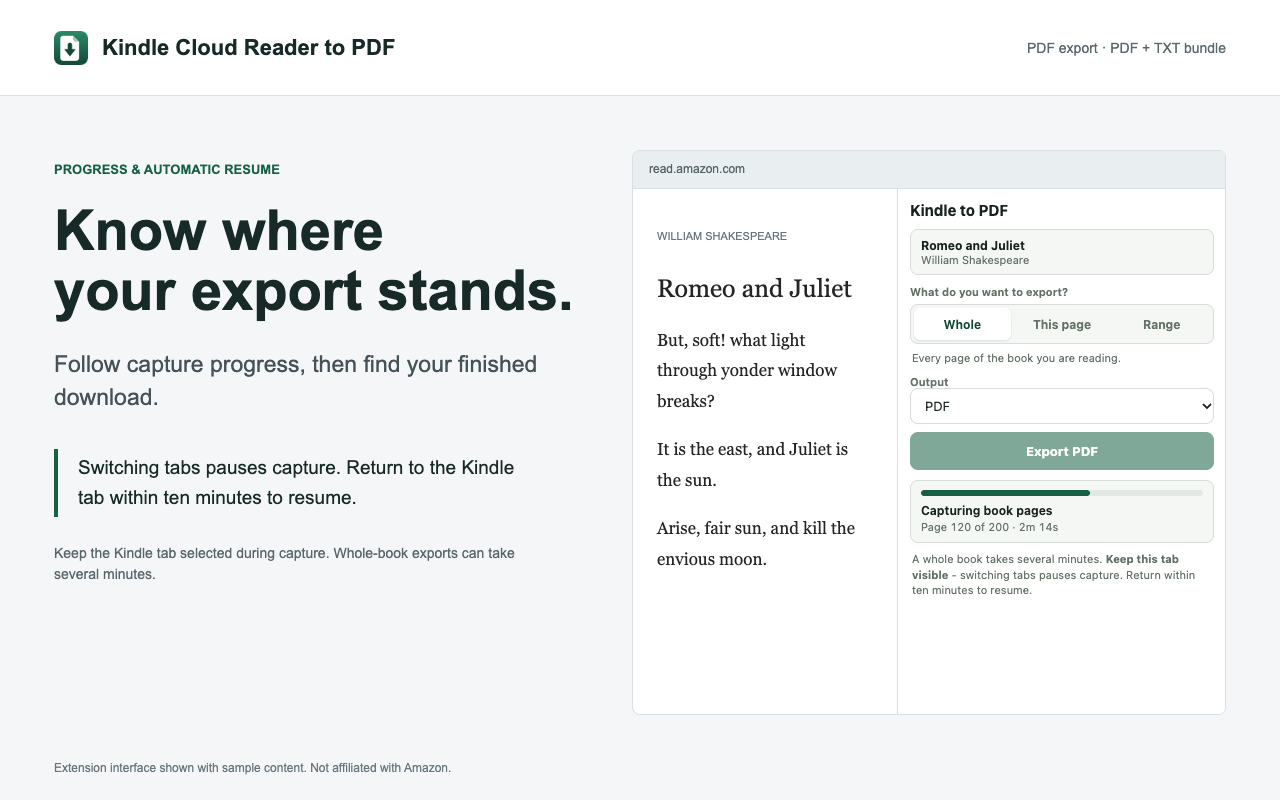
See version 0.21.0 in action: whole-book, current-page, and range exports, PDF + text bundles, multilingual books, and capture progress.
Visual PDFs tested with English, Japanese, German, French, Spanish, Dutch, Hindi, and Portuguese books. OCR is currently optimized for English. Watch on YouTube.
Install version 0.21.0 from the Chrome Web Store for PDF + text exports, multilingual support, and more robust book capture. Already installed? Chrome rolls out extension updates automatically.
Visual PDF exports tested with English, Japanese, German, French, Spanish, Dutch, Hindi, and Portuguese books. OCR and extracted text are currently optimized for English, with quality varying by language and layout.
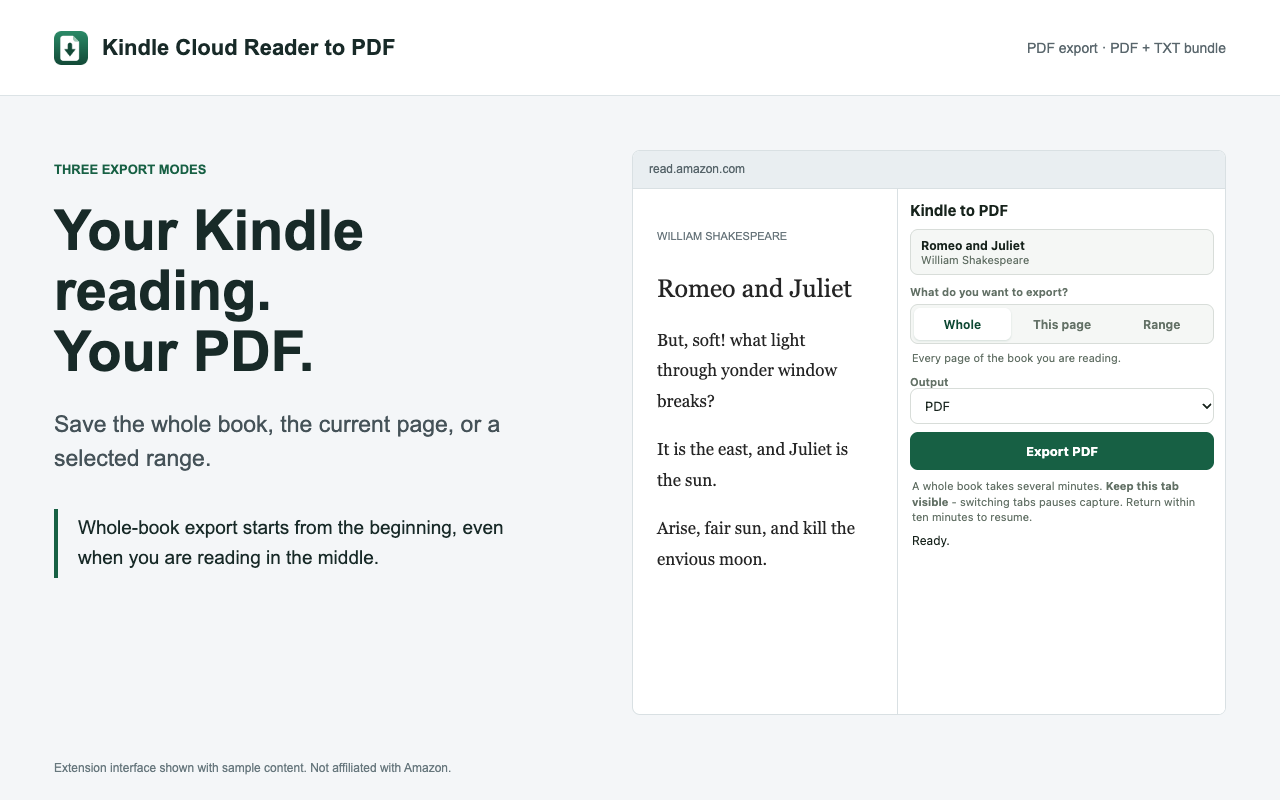
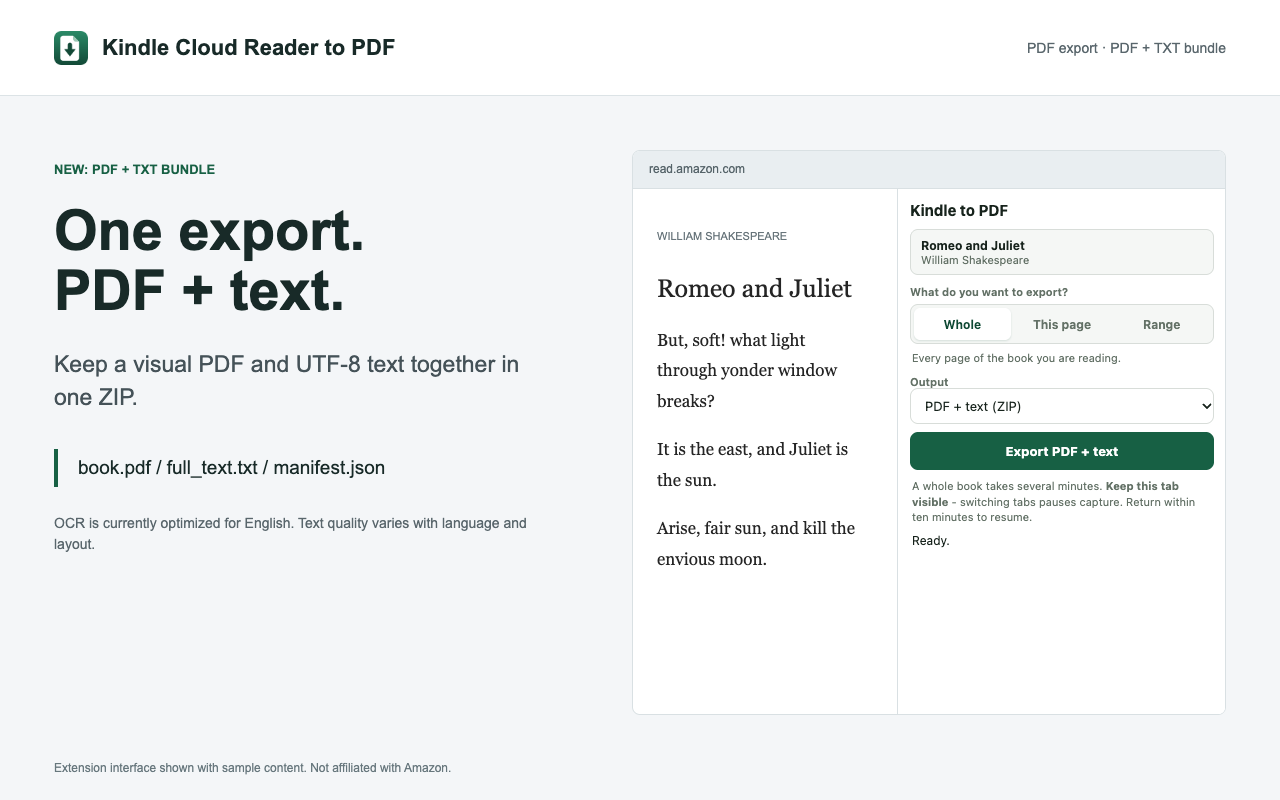
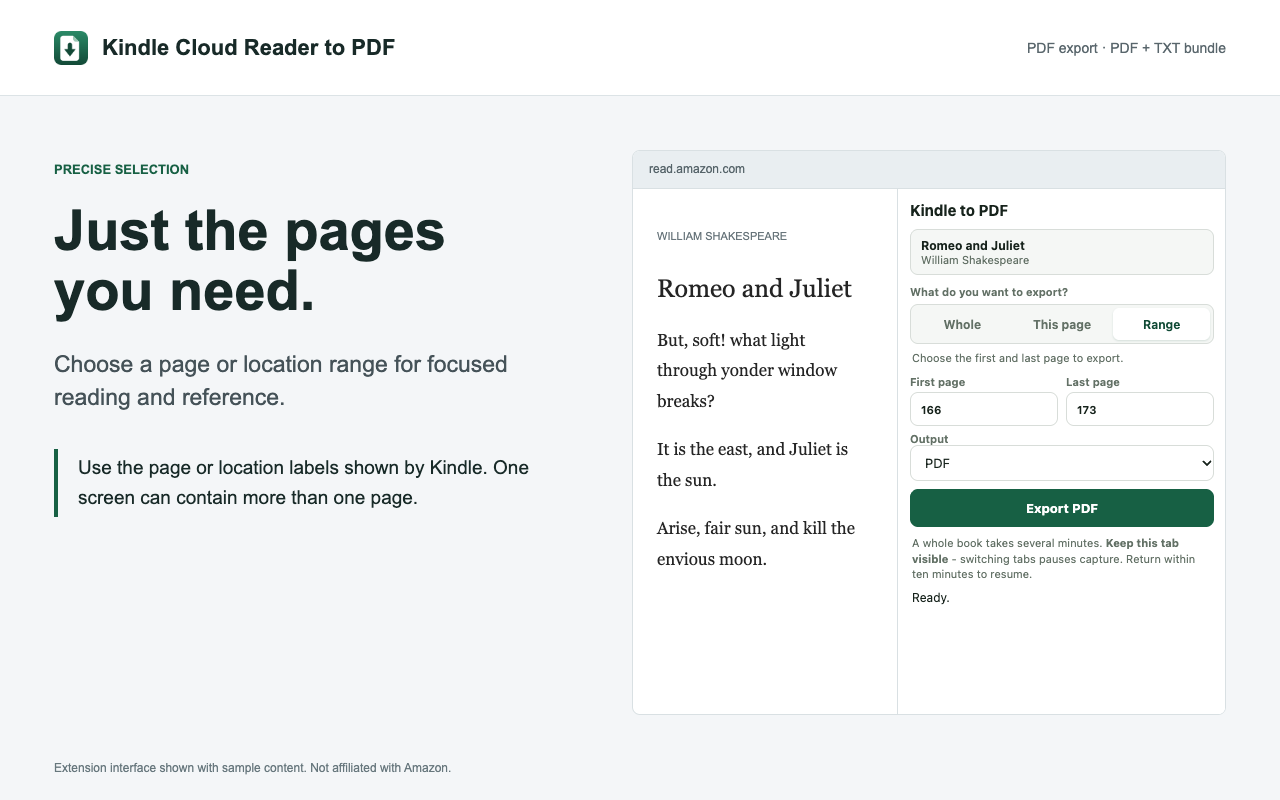
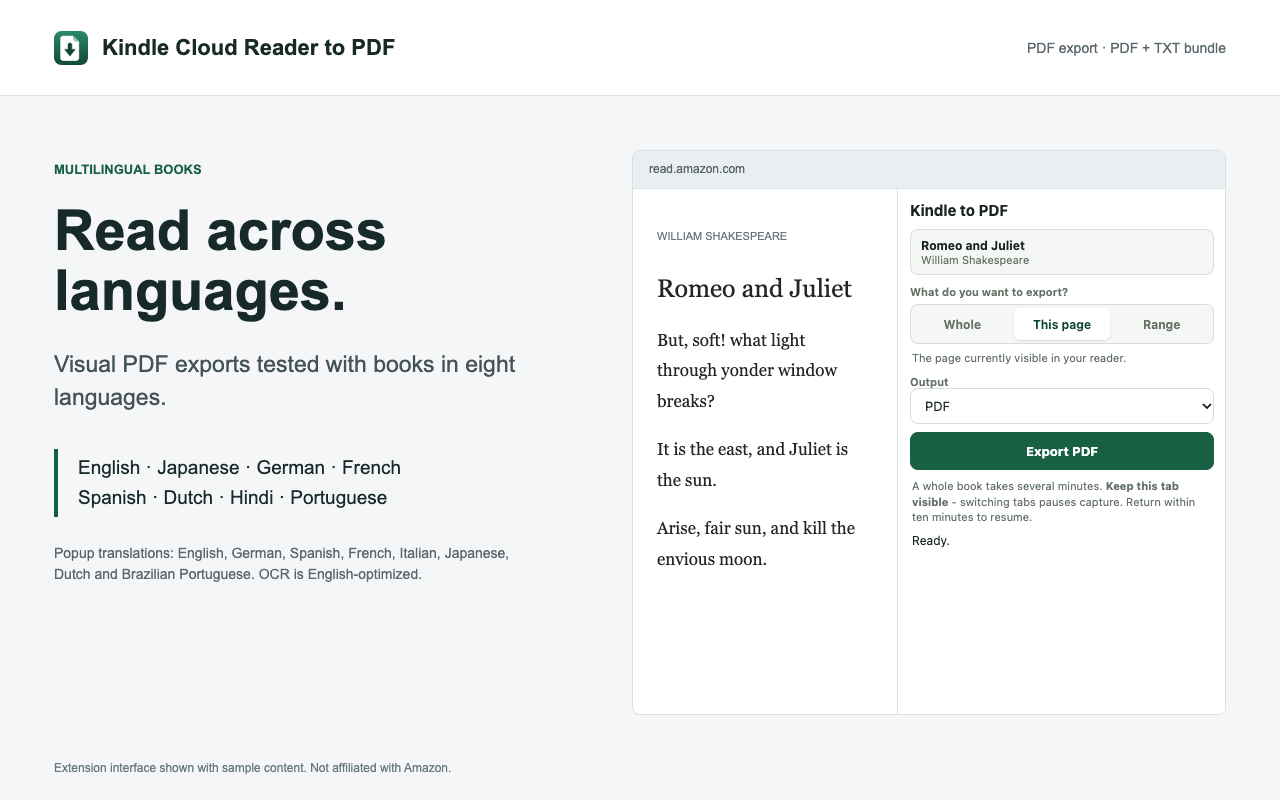
Use permitted excerpts for reading notes, study questions, and research outlines. The extension does not send content to AI tools.
Kindle to PDF is built for readers, students, and researchers who need a portable copy they can search, annotate, print, or keep available offline.
Open any Kindle book, click the extension icon, and download your PDF or PDF + text bundle. No extension account or paid plan.
Pick the chapter, passage, or pages you need. Set a start and end page, then export one clean, searchable PDF.
Capture a complete book hands-free, or choose the current page or any custom range. You stay in control of the export.
Keep the Kindle reader layout while making the exported PDF easy to search, reference, annotate, and print.
Book content is transmitted securely to our PDF rendering API and is never stored after your download is ready.
Download book.pdf, full_text.txt, and manifest.json in one ZIP. Keep the visual source and reusable text together. PDF-only remains the default.
No setup required beyond installing the extension. Start exporting in under a minute.
Navigate to read.amazon.com and open any book from your Amazon library. The extension activates automatically.
Click the Kindle to PDF icon, then choose the current page, a custom range, or the whole book.
Click Export PDF. Your file is generated and saved to your device in seconds — ready to read offline or share.
Capture one page, a chapter, or an entire book without copying text or taking screenshots page by page.
Yes, completely free. There is no paid plan and no page limit: export the current page, any page range, or a whole book without creating an account.
Kindle to PDF works with any book accessible through your Amazon account at read.amazon.com (Kindle Cloud Reader). If you can read it in your browser, you can export it.
Yes. Select Whole book in the extension, then let Kindle to PDF turn pages, capture them, and prepare one downloadable PDF.
Content from your Kindle book is sent over HTTPS to our PDF rendering service. The rendered PDF is returned to your browser and the content is not retained on the server after delivery.
Kindle to PDF is a Chrome extension and works on any desktop or laptop running Google Chrome. It activates automatically when you open a book at read.amazon.com.
Install Kindle to PDF and start saving your books as PDFs in one click. Free, secure, and instant.