1
Open your book
Go to read.amazon.com, sign in, and open any book from your Kindle library.
Kindle to PDF is a free Chrome extension that saves the book you have open in Kindle Cloud Reader as a searchable PDF. Export the whole book, the page you are on, or a range of pages. No file uploads, no account.
Install the extension once. After that, every export starts from the book you are reading.
Go to read.amazon.com, sign in, and open any book from your Kindle library.
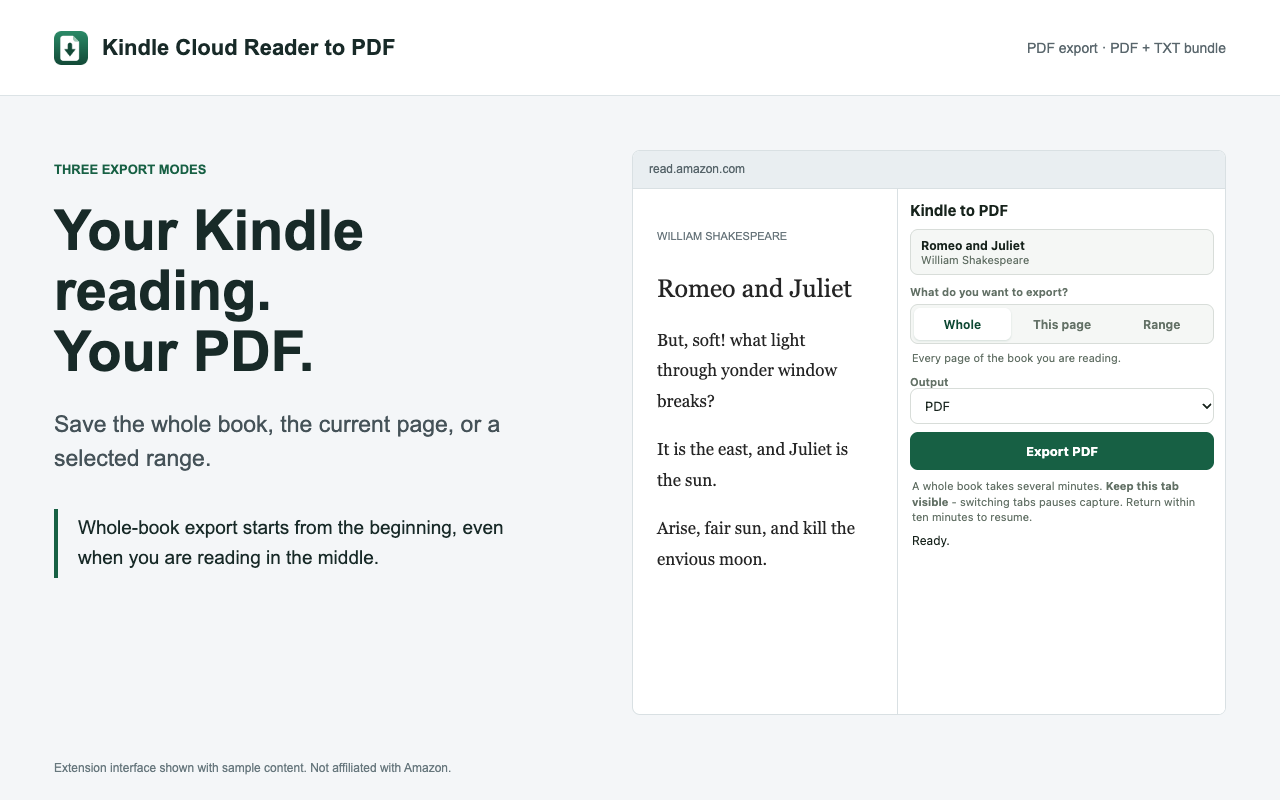
Click the Kindle to PDF icon in Chrome's toolbar and pick Whole, This page, or Range.
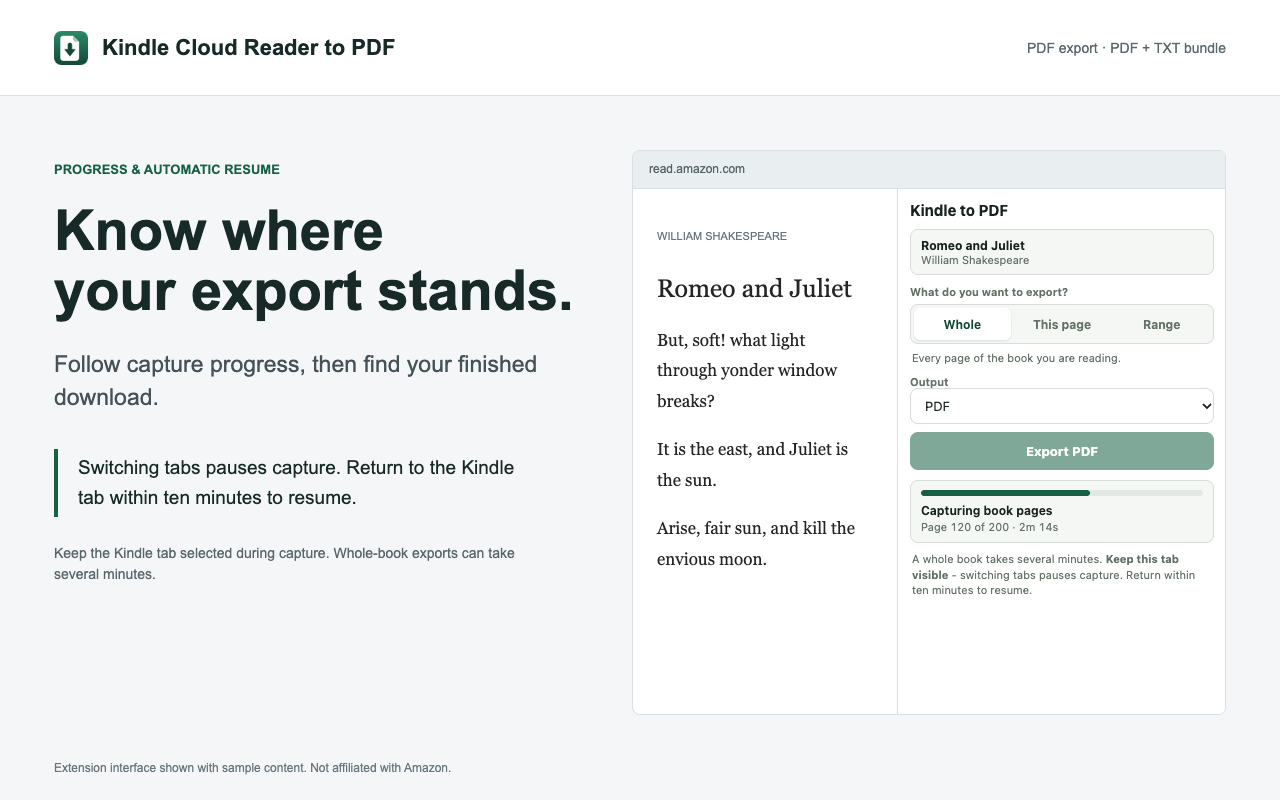
Click Export PDF. The extension turns and captures the pages, then your PDF downloads. Keep the tab visible while it runs.
All three modes are free, with no page limit.
Every page of the book you are reading, in one PDF. A whole book takes several minutes.
The page on screen right now, for a quick quote, chart, or recipe.
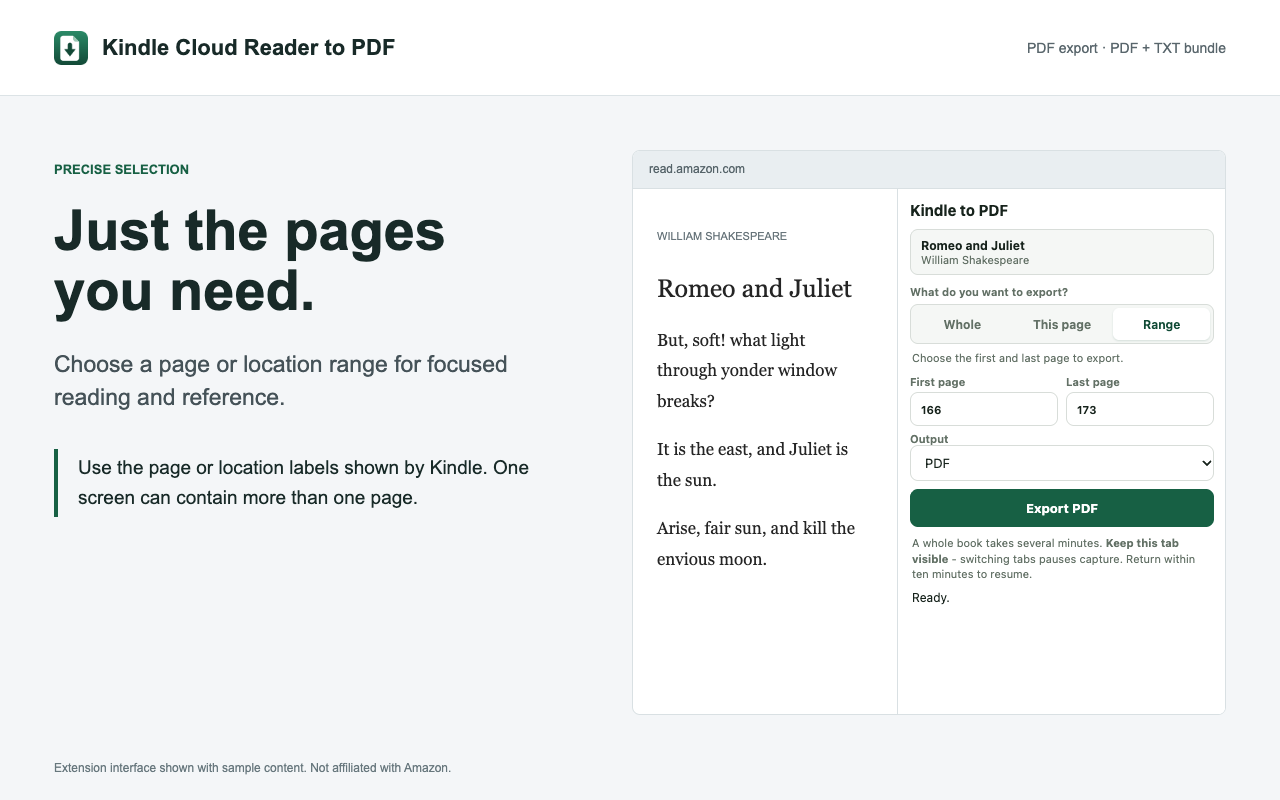
A numbered stretch of pages, using the book's own page numbers. Good for a chapter.
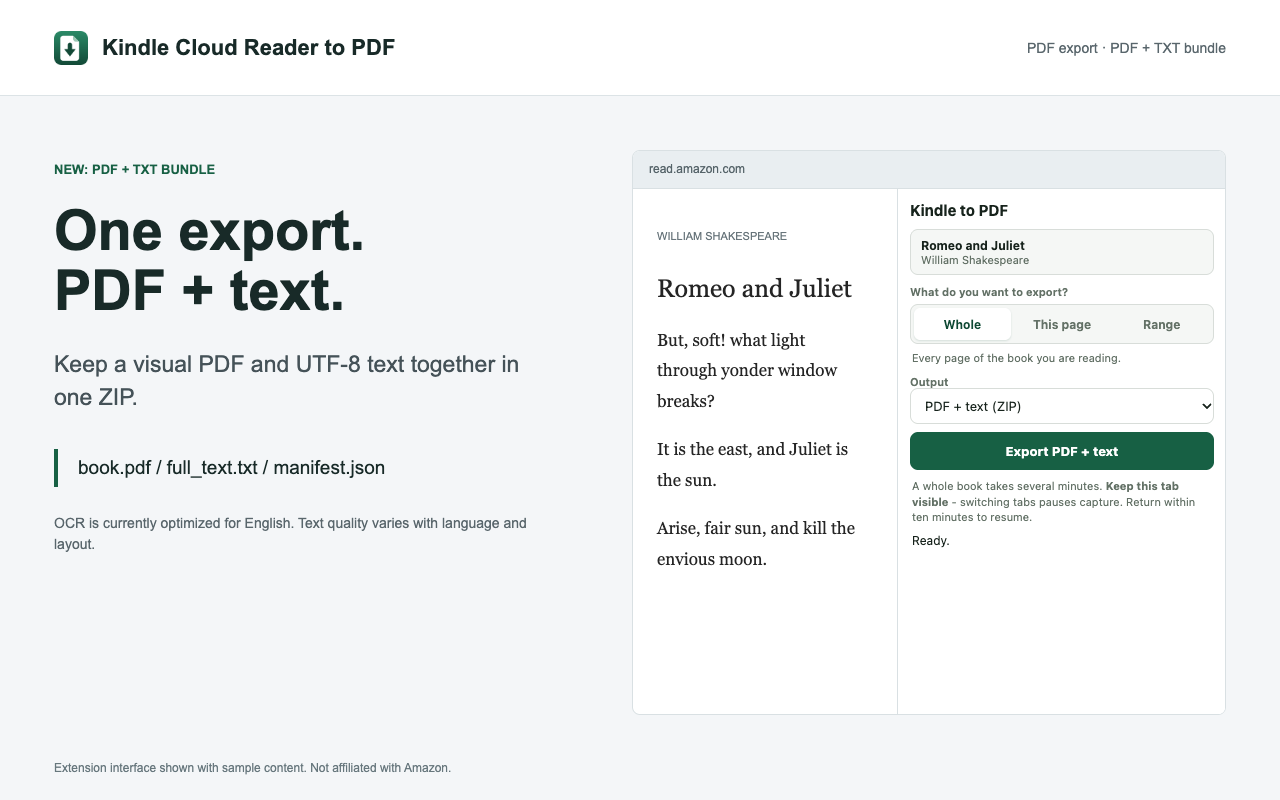
See version 0.21.0 in action: whole-book, current-page, and range exports, PDF + text bundles, multilingual books, and capture progress.
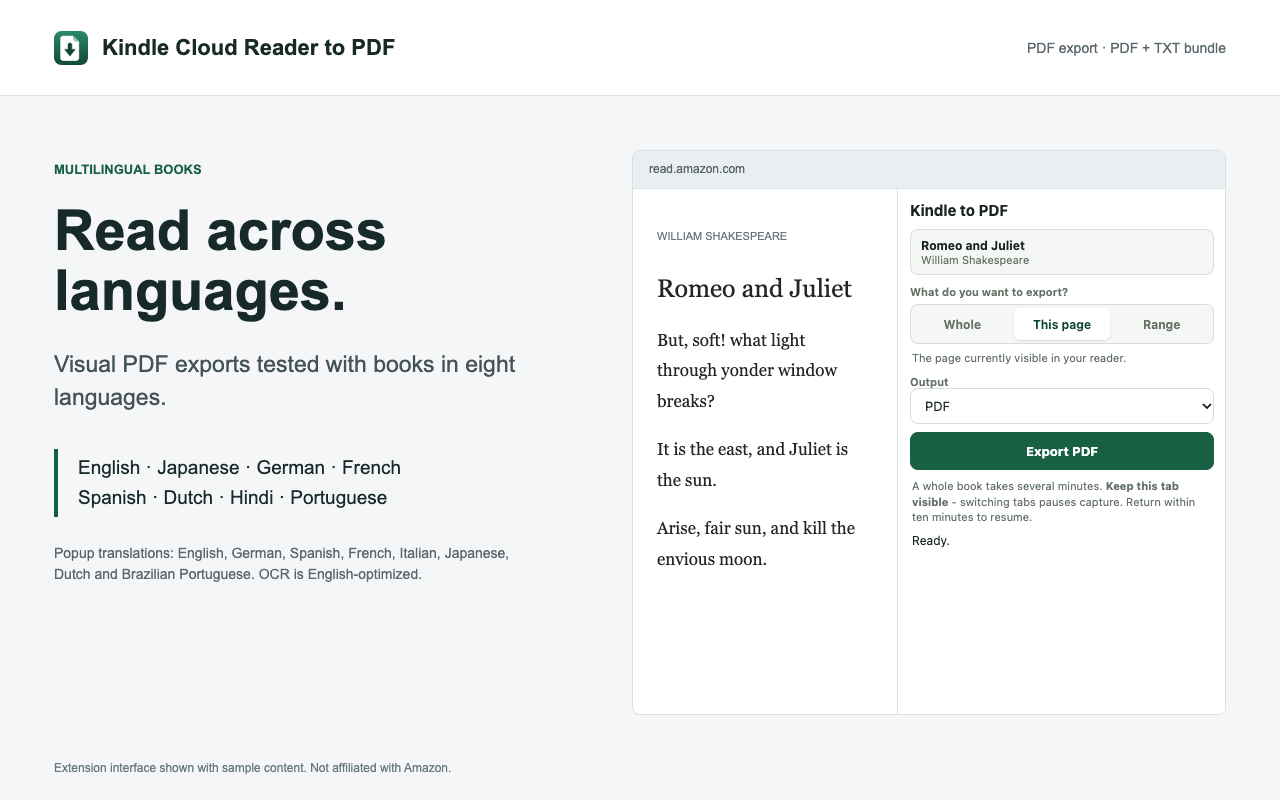
Visual PDFs tested with English, Japanese, German, French, Spanish, Dutch, Hindi, and Portuguese books. OCR is currently optimized for English. Watch on YouTube.
Install version 0.21.0 from the Chrome Web Store for PDF + text exports, multilingual support, and more robust book capture. Already installed? Chrome rolls out extension updates automatically.
Visual PDF exports tested with English, Japanese, German, French, Spanish, Dutch, Hindi, and Portuguese books. OCR and extracted text are currently optimized for English, with quality varying by language and layout.
A single PDF file that opens in any reader, prints, and takes highlights and notes.
Every page gets an OCR text layer, so you can search, select, and copy text in any PDF reader.
Pages keep the fonts, images, and layout you see in Kindle Cloud Reader.
Table of contents entries become links and PDF bookmarks when they can be matched to pages.
Yes, completely free. There is no paid plan and no page limit: Whole, This page, and Range exports all cost nothing, and you do not need an account.
No. The extension works on the book you have open in Kindle Cloud Reader, so there is no AZW or KFX file to find and nothing to upload.
Yes. Each exported page gets an OCR text layer, so you can search, select, and copy the text in any PDF reader.
Several minutes, depending on length. The extension turns and captures each page from the screen, so keep the Kindle tab visible until the download starts.
Version 0.21.0 supports 13 regional Kindle reader sites, including read.amazon.com, read.amazon.co.jp, lesen.amazon.de, lire.amazon.fr, leer.amazon.es, leggi.amazon.it, and lezen.amazon.nl. Open your book on a supported reader site to export it.
No. Kindle to PDF is a Chrome extension, so it needs Google Chrome on a desktop or laptop: Windows, Mac, Linux, or a Chromebook.
Free Chrome extension for Kindle Cloud Reader. Whole book, one page, or a range.