Kindle OCR for searchable PDFs and text
The extension captures the pages visible in Kindle Cloud Reader. Its rendering service adds an OCR text layer to screenshot-based PDF exports; the optional TXT bundle reads that layer without a second OCR pass.
Add to Chrome, FreeDesktop Chrome required. PDF-only remains the default. OCR is currently optimized for English.
How it works
- Open your Kindle book and choose a clear, readable reader layout.
- Select the current page, a page/location range, or the whole book.
- Export PDF for a visual source with an OCR layer, or PDF + text (ZIP) for extracted UTF-8 text too.
- Check a sample paragraph, punctuation, names, and reading order against the visual PDF before relying on the text.
What OCR can and cannot promise
OCR quality depends on the visible text, font size, columns, illustrations, and scan quality. Image-only pages may produce no text. Mathematical notation and tables need manual checking. The extension preserves visible book pages in the PDF; it does not recreate the original ebook file or translate the book.
Languages and capture limits
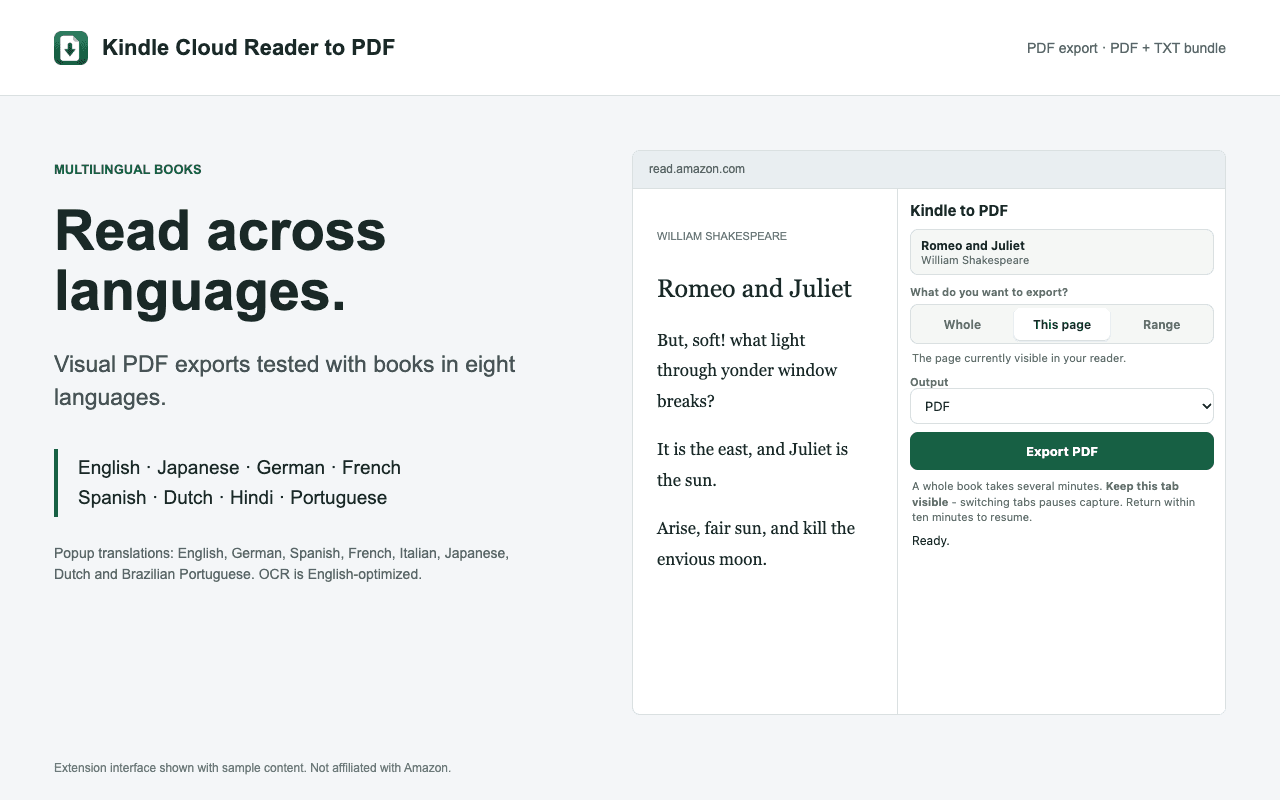
Visual PDFs tested with English, Japanese, German, French, Spanish, Dutch, Hindi, and Portuguese books. Popup translations: English, German, Spanish, French, Italian, Japanese, Dutch, and Brazilian Portuguese. The extension supports 13 regional reader sites. It does not translate books; visual language support is separate from OCR accuracy.
Keep the Kindle tab selected during capture. Switching tabs pauses capture; return within ten minutes to resume. Whole-book exports can take several minutes. A PDF page represents one captured reader spread, not necessarily one printed book page. Ranges require a numerical reading position.
Frequently asked questions
Does Japanese or Hindi PDF support mean Japanese or Hindi OCR?
No. Visual PDF exports have been tested in eight book languages, but screenshot OCR is currently optimized for English. Non-English search and TXT accuracy are not promised. Use PDF-only when extracted text is unsuitable.
Is text extraction free?
Yes. Current-page, range, and whole-book exports are free, with no extension account or paid plan. You still need access to the book through your Amazon account.
What if OCR finds no readable text?
Use PDF-only instead. Illustration-only pages can have no extracted text; bundle warnings are recorded in the manifest. Search and extracted text quality depend on OCR.
Where does processing happen?
Selected content is sent over HTTPS to the Kindle to PDF rendering service. OCR is not advertised as browser-local. The extension does not send your exports to AI services.
Related workflows
- Kindle to text for notes and research
- Kindle OCR and searchable PDF limits
- Kindle excerpts for ChatGPT and Claude
Export and reuse only content you are authorized to copy. Kindle to PDF is not affiliated with Amazon or any AI provider.